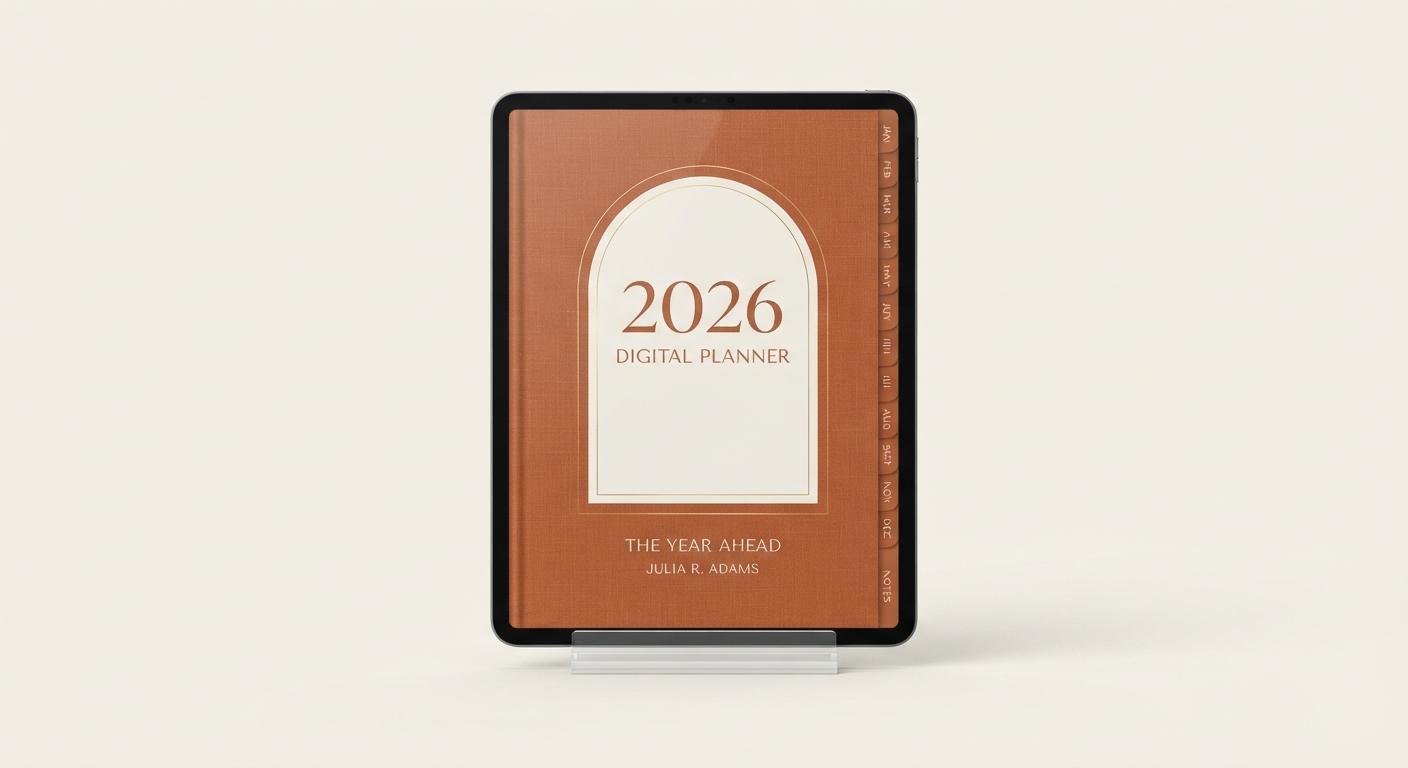
Search “digital planner” and you'll drown in options — thousands of near-identical files, most of which you can't even see properly before paying. This guide cuts through it. Here's what separates a planner you'll love from one that gathers dust in your Files app.
1. It has to be genuinely hyperlinked
A real digital planner lets you tap a date, tab or month and jump straight there. Many cheap files are just flat PDFs with no working links. Before buying, check that the listing shows hyperlinked navigation — and ideally, that you can try it live.
2. The layout should match how you actually plan
A beautiful planner you don't understand is useless. Look for layouts that fit your life — daily pages if you're detail-driven, weekly spreads if you think in bigger blocks, and niche systems (ADHD, student, finance) if a generic grid has never stuck for you.
- Daily layout: best for busy, appointment-heavy days
- Weekly layout: best for an at-a-glance overview
- Undated: best if you want to start any time and reuse for years
3. Check app compatibility before you pay
Hyperlinks behave slightly differently in GoodNotes, Notability and Android apps. A trustworthy seller tells you exactly where the planner works — and explains the read-vs-pen-mode quirk that makes links feel “broken” when they're not.
The best digital planner isn't the prettiest one — it's the one whose layout you still open on a Monday morning three months later.